One front, half-idle
- you ask
- wait ~5 min
- you reply
- wait ~5 min
- …one problem at a time, and you're stalled the whole way.
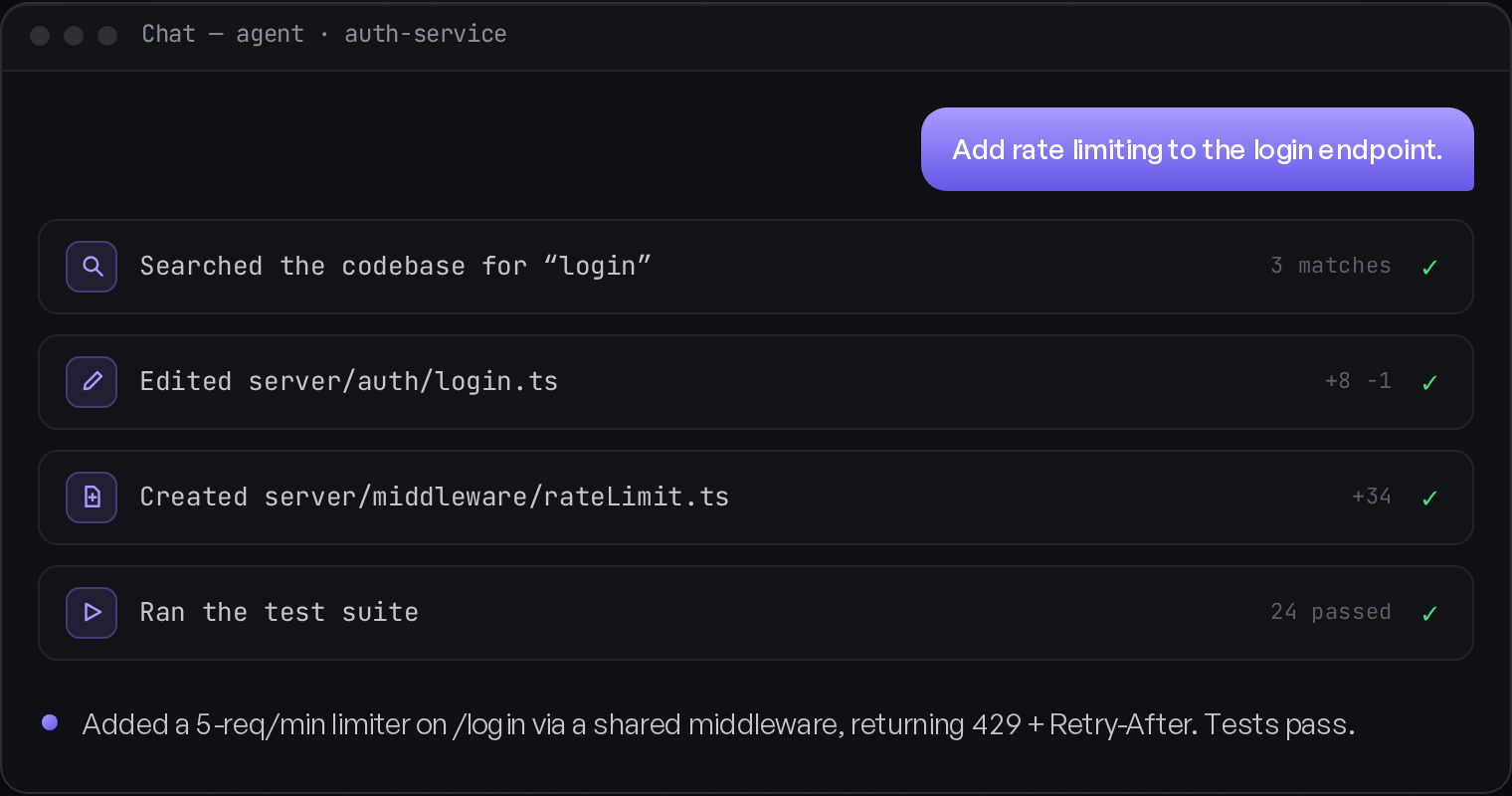
AI turned every conversation into talk for two minutes, wait for five. Fine — until you're running four problems at once. Frontier thickens every interaction so the model works longer and interrupts less, letting you hold more fronts at a time than any single chat ever could.
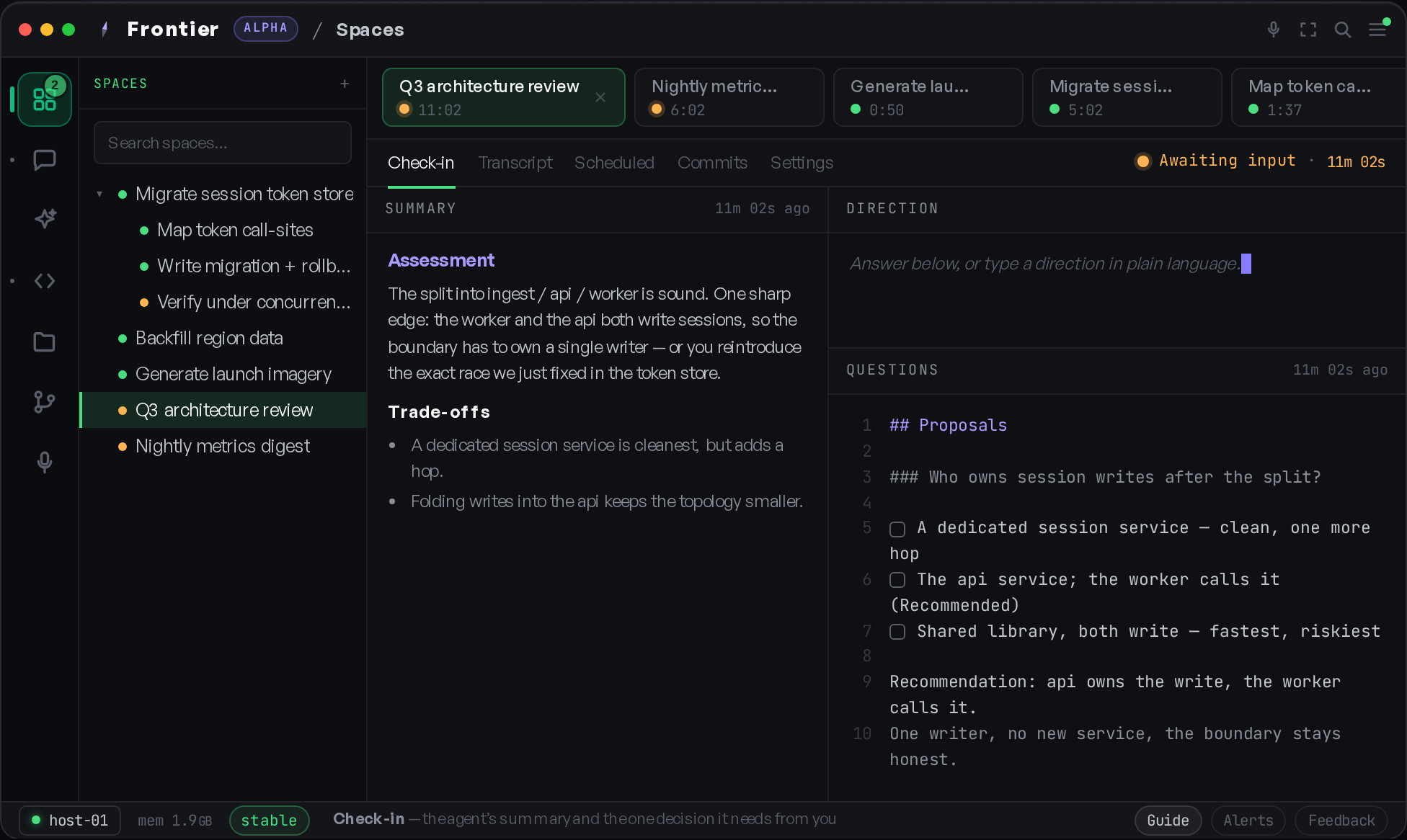
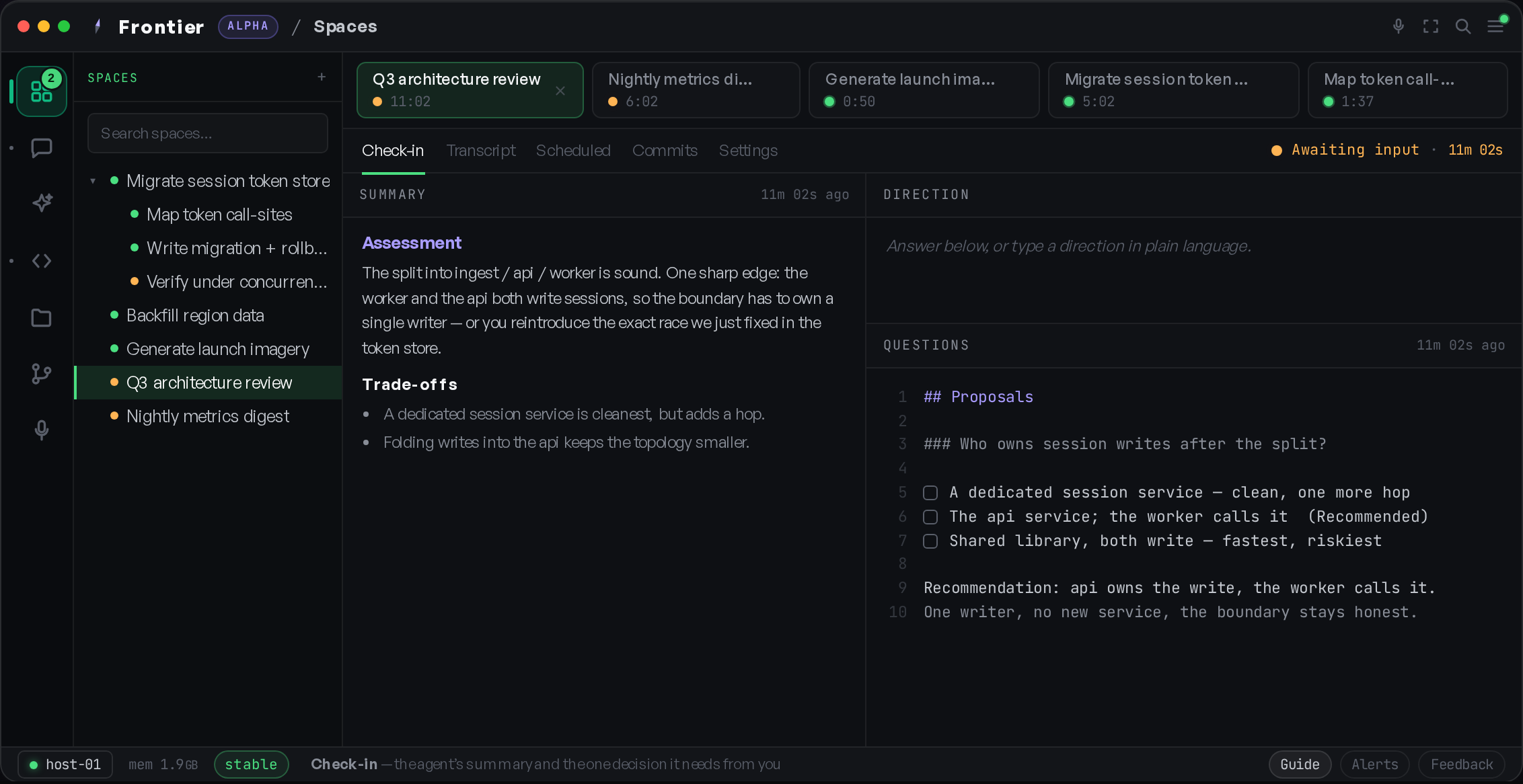
The split into ingest / api / worker is sound. One sharp edge: the worker and the api both write sessions, so the boundary has to own a single writer — or you reintroduce the exact race we just fixed in the token store.
Trade-offs
Answer below, type a direction, or sketch on the blackboard.
A live look at Frontier — five fronts at once, timers ticking. Click a tab to switch; answer the one that’s hit an information boundary while the rest keep working.
Working with an AI is a sprint of two-minute bursts split by long waits. Sit idle in the gap and you've halved your day. Try to fill it and you're context-switching every few minutes — the most expensive thing a builder can do. The rhythm of one conversation fights the way you actually work.
Most tools come back the instant they finish a thought. Spaces does the opposite: the model keeps working until it hits a genuine information boundary — a decision only you can make. To get there, it makes each exchange far richer than a chat message.
Instead of a bare answer, the model surfaces its constraints, assumptions, proposals and insights — so you can steer the reasoning, not just react to the result.
A running picture of the work stays pinned in view. Focus survives even on long sessions, and you can drop back in after an hour without re-reading everything.
When words run out, it sketches — architecture, flows, trade-offs — on an Excalidraw canvas you can edit and hand straight back.
Answer a structured questionnaire, write freeform direction, or draw your response. Whatever closes the gap fastest.
The result: fewer, higher-quality returns, longer productive runs, and more fronts you can hold at once. The model only taps you on the shoulder when it truly needs you — and the tab timers keep the queue honest, floating whatever's been waiting longest to the top.
Not mockups — real screens from Frontier running across machines and providers.
Every space is a tab with a live timer, so you always know which front needs you next. Inside, draw on a blackboard, answer the model’s questions, and read history in panes you arrange like tmux. Spaces nest into spaces — subagents you can watch and steer, each on whatever provider fits.
The canvas is yours, not the model’s — a spatial board for how you actually think. Group what matters into Today / This week / Soon, drop a sticky, move things as plans change.
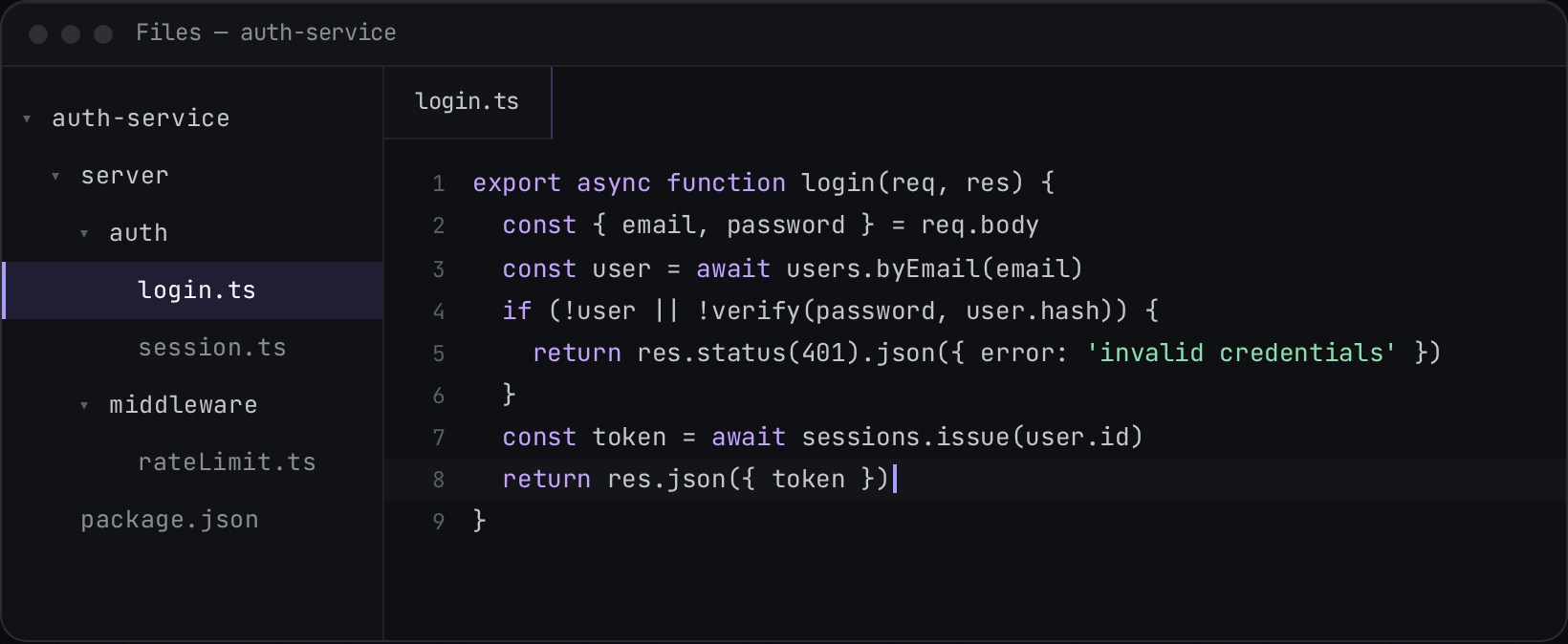
Every workflow is a hot-reloadable extension. Open it, edit the code, hit run — the server and UI reload in place. Frontier is the substrate; you build the tool that fits you.
The next advantage isn't using the right tool — it's building the one that fits how you think. Frontier is the substrate: a typed message bus, a session and work-area model, persistence, and LLM tooling. Everything you see on top is an extension.
Edit an extension, hit run, and the server and UI reload the new code with no restart. Point a session at the extension directory over MCP and the IDE can even improve itself while you use it.
The workflow in the demo above is one extension. Retune it, fork it, or write your own from a small, design-focused API. Frontier assumes nothing about how you like to work.
The extension API hands the model real, current types and working examples over MCP. The docs are the code, so they never drift out of date as the system evolves.
The parallelism on the surface is only possible because of the rigor underneath. This is the part you stop thinking about because it simply holds.
Run unlimited sessions across a pool of machines and work areas. Dispatch to a target and the host hands each job to the next free slot — no babysitting.
Every turn leaves the repo clean and pinned to a commit. A session can move between machines because its entire state is just a commit hash.
Claude, GPT, Gemini, Ollama — pick per work area, switch any time, no extension code changes. Mix providers across fronts that run side by side.
Every part of the system — server, UI, extensions — talks over a single, compile-time-typed bus. No back-channels, no hidden state, no race conditions.
Extensions attach behavior to core lifecycle events — like committing and pushing around every turn — without touching core code. Contracts are versioned and stay backward-compatible.
A session can spawn child agents with their own history while the parent tracks them. Hierarchical workflows — plan, delegate, validate — with almost no plumbing.
No. Frontier sits a layer below an editor — it's the infrastructure that runs sessions across machines, persists state, and routes messages. An editor is one of the things you could build on it. The Spaces workflow you see here is built on Frontier, not baked into it.
Not at all. Spaces is the reference extension — the one that grew out of the daily grind of waiting on a single chat. You can retune it, fork it, or write your own workflow against a small, design-focused API.
Claude, GPT, Gemini, and local models via Ollama. You choose per work area and can switch at any time without changing extension code — so different fronts can run on different providers at once.
Every turn leaves the version-control state clean and records a commit. The next turn — even on a different machine — checks out exactly where it left off. Sessions are portable because their state is just a commit reference.
It's early and evolving fast. Join the waitlist and you'll hear from us once — when there's something real for you to run.
Be among the first to run Frontier. One email, only when there's something real to use.
You're on the list. We'll be in touch.
No spam, no drip campaign. You can leave any time.