Browse the whole workspace
A familiar file tree over whatever machine the workspace lives on. Click in, open anything, no ceremony.
The unglamorous basics, done properly. A file tree and a real code editor, the kind you actually want to type in, on any machine you’ve connected.
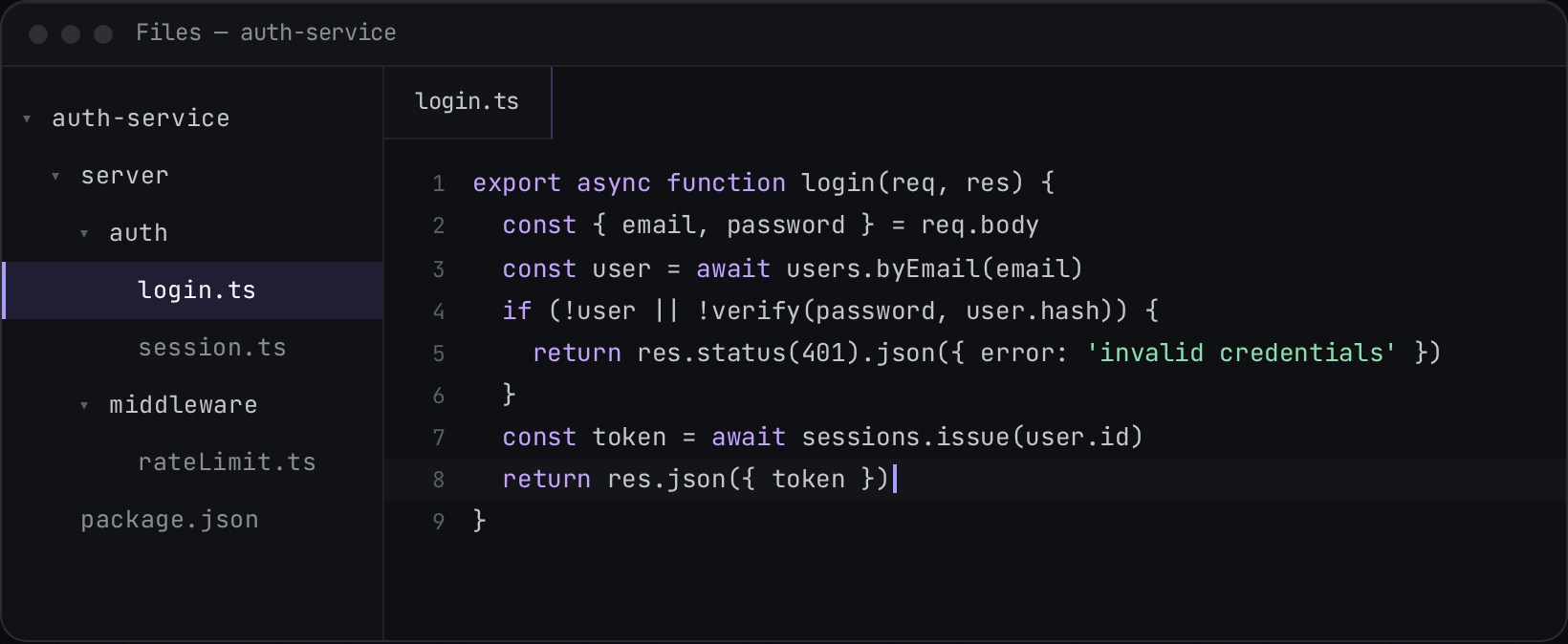
Browse the workspace, open a file, edit it in a real code editor.
A familiar file tree over whatever machine the workspace lives on. Click in, open anything, no ceremony.
Not a glorified textarea: real syntax, multi-cursor, find and replace, the editing you’d expect. And dictation works in it, like every field.
You and your agents edit the same files in the same workspace, not copies that quietly drift apart.
Browsing, editing, the lot, shipped as one extension. Want it to work differently? Fork it.
Frontier’s desktop app runs on macOS, Windows & Linux — open this page on your computer to download.